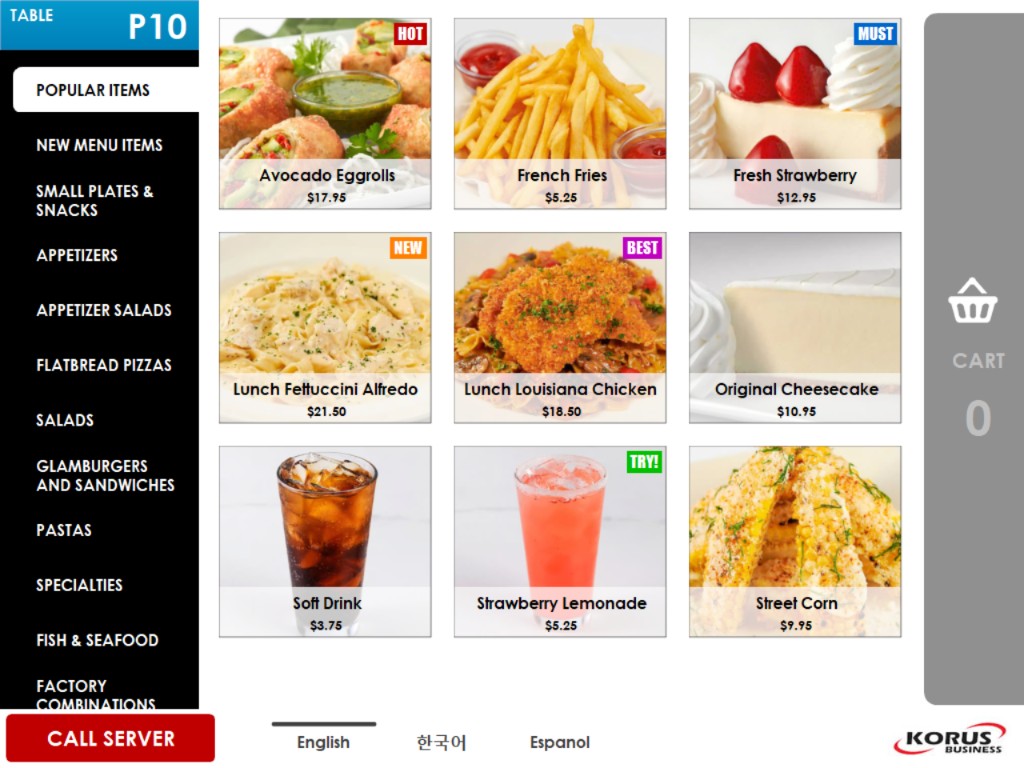
Put the menu right in your customers' hands. Table Side Ordering turns a
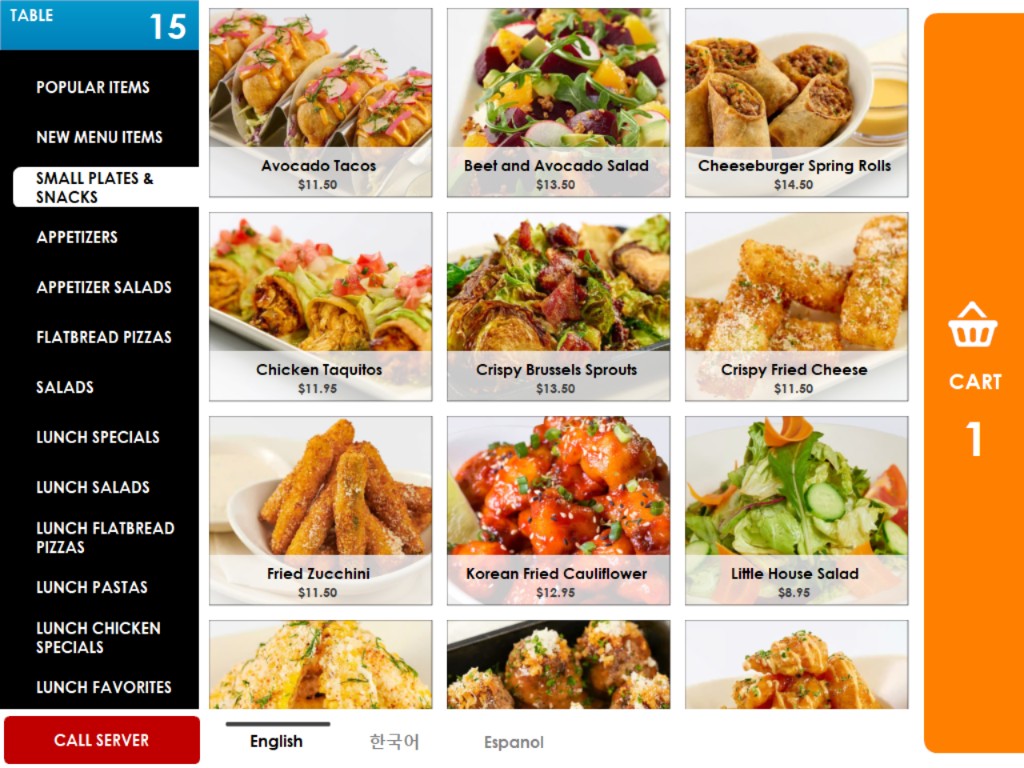
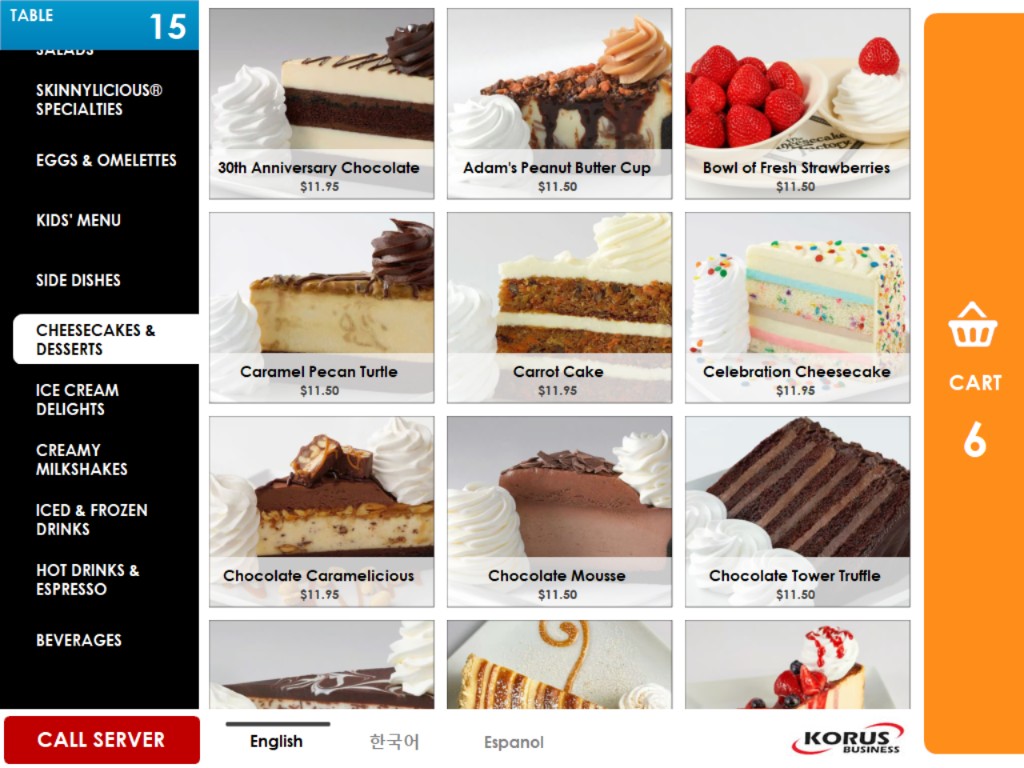
tablet at each table into a beautiful photo menu where customers browse,
customize, and send their own orders directly to the kitchen.
Customers order at their own pace without waiting for a server, mouth-watering
photos and promotion badges increase order sizes, and servers spend less time
taking orders and more time taking care of guests — saving labor costs
while improving service.
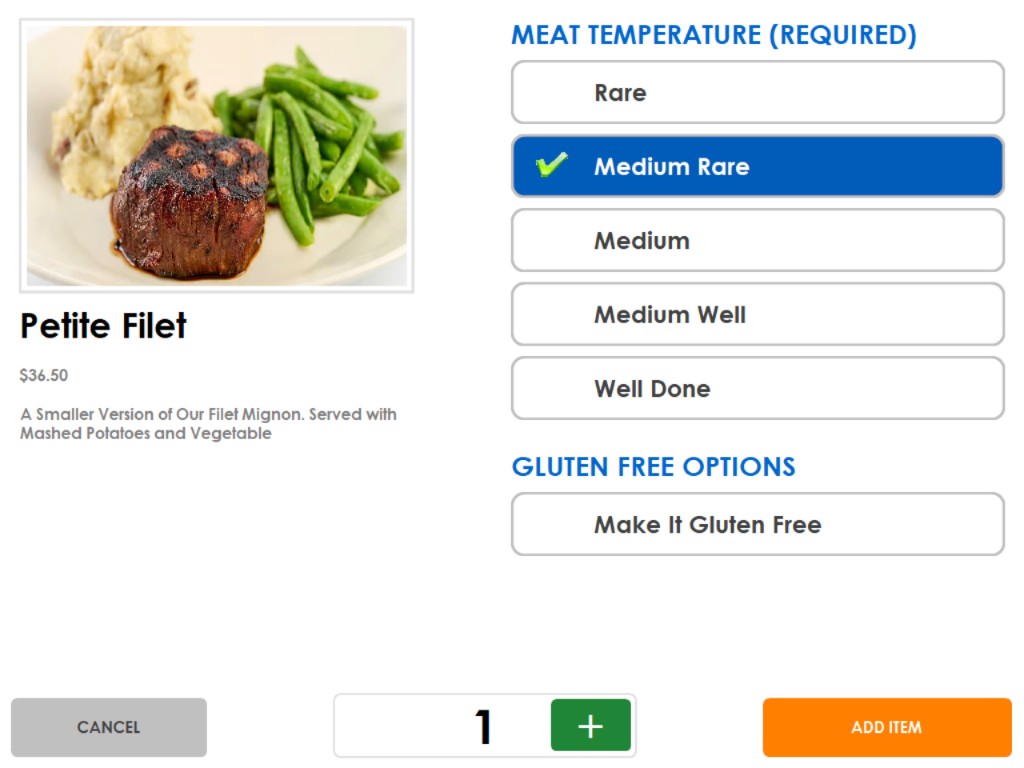
| Item detail page shows a photo, price, and full description. | |
| Customers choose options such as meat temperature, sides, and gluten free options. | |
| Required options must be selected before the item can be added, so the kitchen never receives an incomplete order. | |
| Set the quantity and add the item to the cart with one touch. |
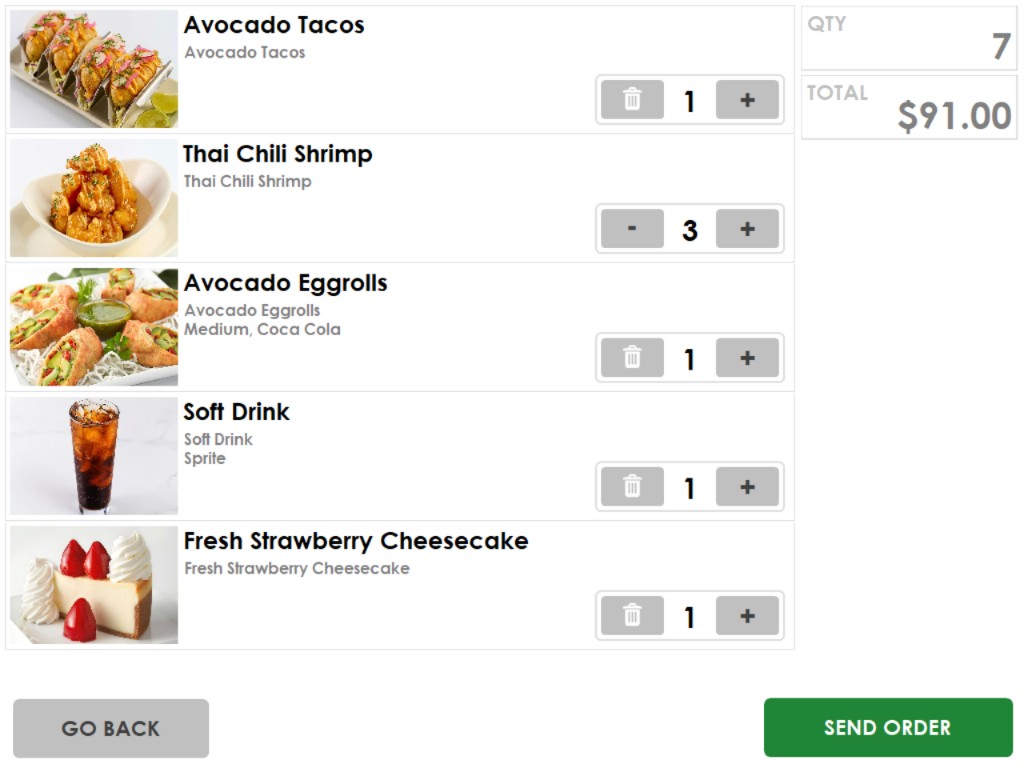
| Customers review the entire order with photos and selected options before sending. | |
| Change quantities or remove items right from the cart. | |
| Total quantity and price update in real time. | |
| Orders are sent directly to the POS and kitchen — no waiting for a server to take the order. | |
| Fewer order-taking mistakes since customers enter orders themselves. |
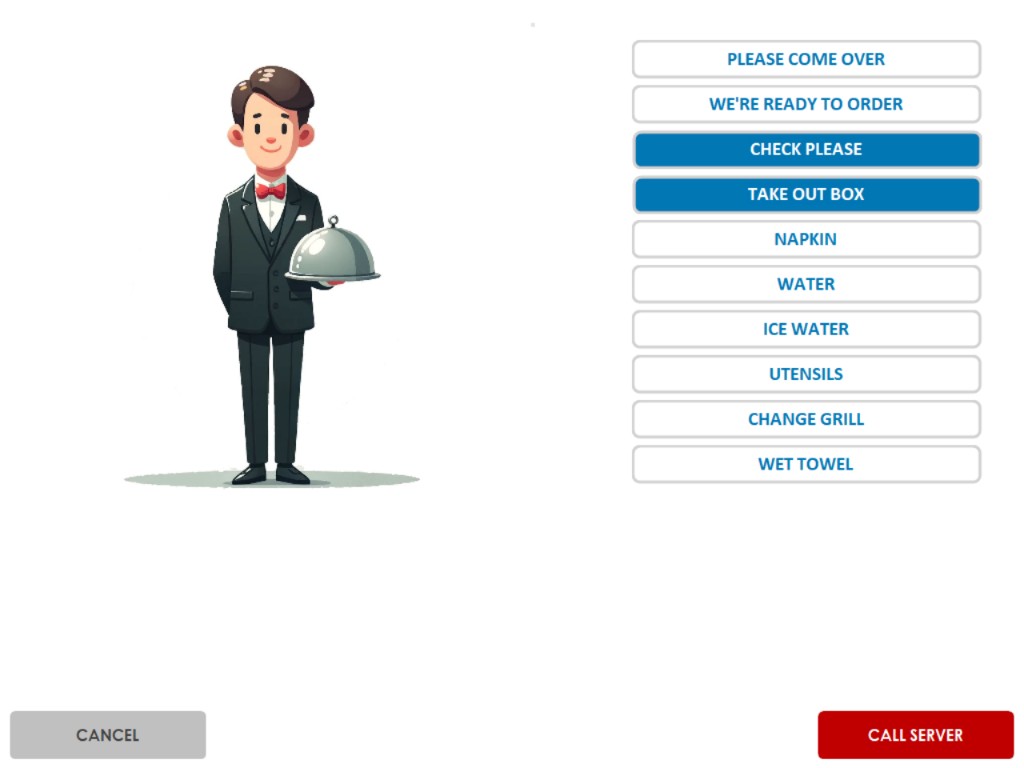
| Customers call the server right from the tablet — no more waving hands to get attention. | |
| Choose exactly what is needed: check please, take out box, napkin, water, utensils, wet towel, and more. | |
| Select multiple requests at once so the server makes a single trip. | |
| Servers make fewer trips to the table, saving time and labor costs. |